Croft
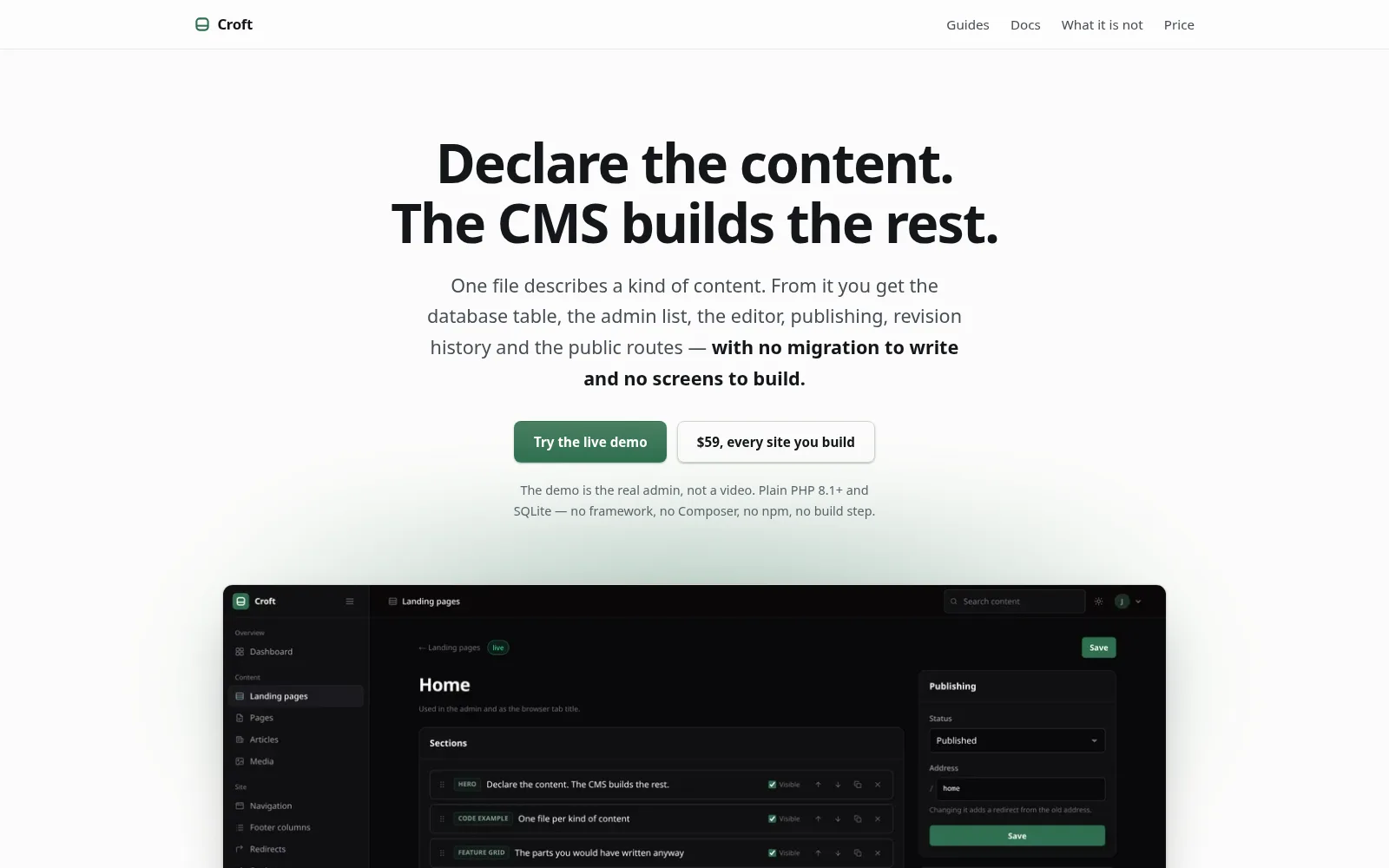
A small PHP CMS: describe a kind of content in one file, and Croft builds the admin around it.
The problem
Every site I build for a client ends up needing the same things behind the scenes: a list of items, an editor, drafts, a publish date, image sizes, a way to undo a bad save. I kept rebuilding them, slightly differently each time, and so does every developer who builds small sites.
What I built
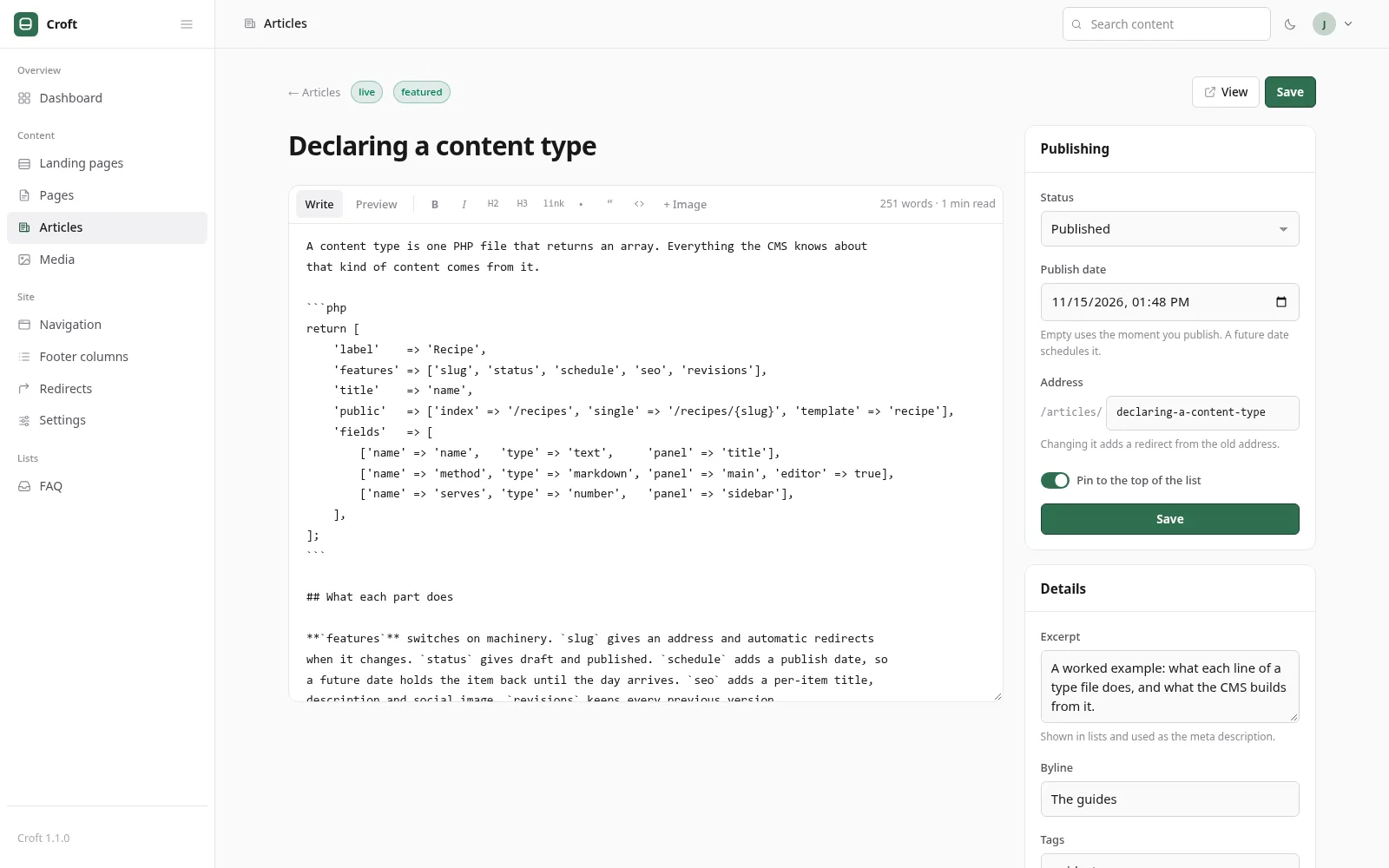
Croft turns that work into one small tool. A developer describes a kind of content (a recipe, a menu item, a case study) in a single PHP file, and Croft builds everything around it: the database table, the admin list, the editor, publishing, revision history and the public pages.
Then I designed and built getcroft.dev to explain and sell it, with documentation, a live demo and launch pricing. The site runs on Croft: every word of its home page, and the order of its sections, is edited in the same admin panel its buyers get.
return [
    'label'    => 'Recipe',
    'features' => ['slug', 'status', 'schedule', 'seo', 'revisions'],
    'title'    => 'name',
    'public'   => ['index' => '/recipes', 'single' => '/recipes/{slug}', 'template' => 'recipe'],
    'fields'   => [
        ['name' => 'name',   'type' => 'text',     'panel' => 'title'],
        ['name' => 'method', 'type' => 'markdown', 'panel' => 'main', 'editor' => true],
        ['name' => 'serves', 'type' => 'number',   'panel' => 'sidebar'],
    ],
];
What every content type gets
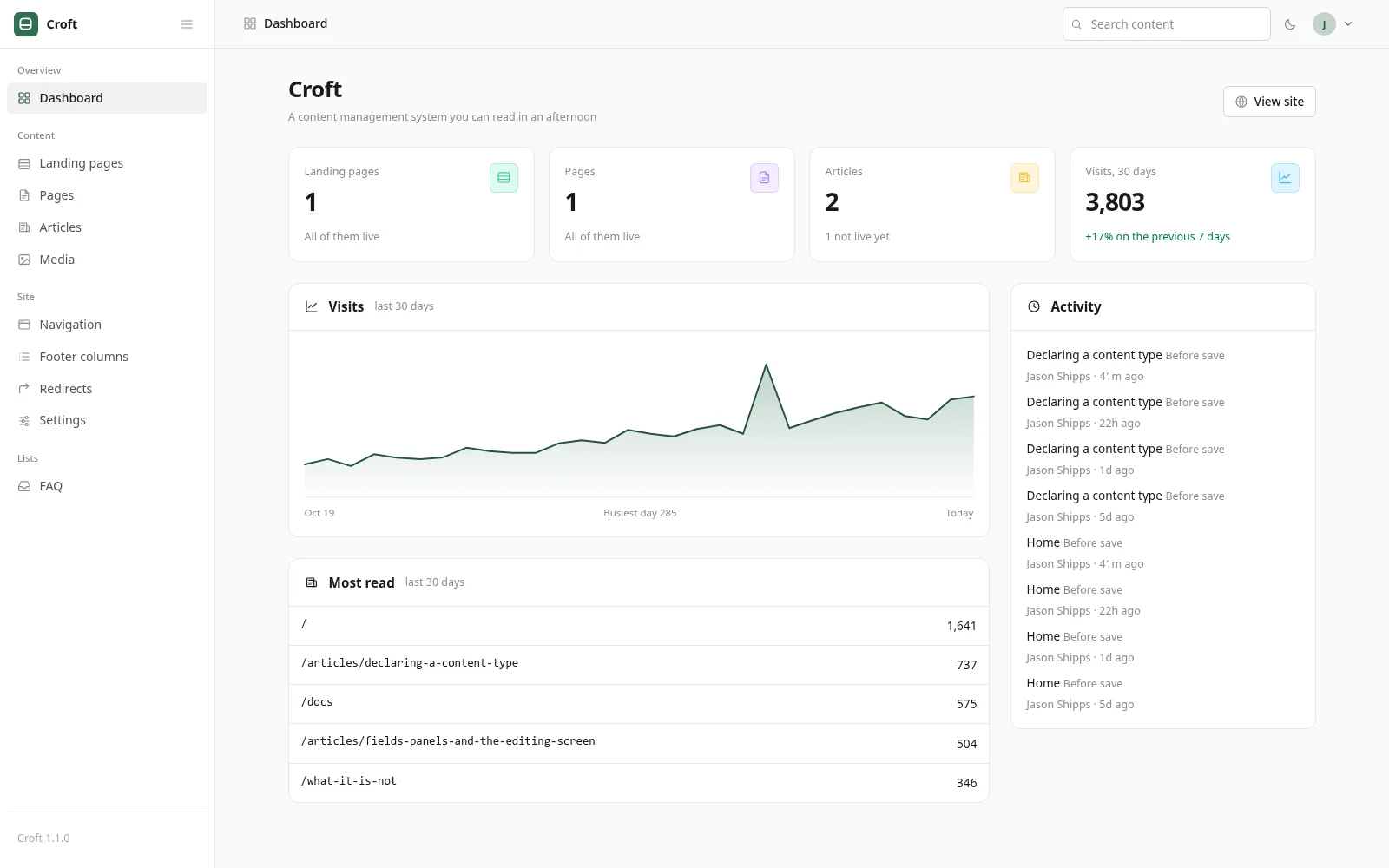
- Drafts, publishing and future-dated scheduling
- Revision history on every save, with restore, including deleted items
- Per-item SEO title, description and social image
- Automatic redirects when an address changes
- Media library with automatic WebP sizes and a warning before deleting a file in use
- Editable lists for navigation, FAQs, team or opening hours
- Admin and editor roles, two-factor sign-in, login rate limiting
- Cookieless visitor counts: no IP addresses, no third parties
For developers
- Plain PHP 8.1+ and SQLite. No framework, no Composer, no npm, no build step, no database server. Unzip it, point a domain at
public/, and it runs, including on shared hosting. - Small enough to read. About 2,500 lines in fifteen classes, with thirteen guides.
- Your templates, your CSS. Croft decides what data a template receives and nothing else.
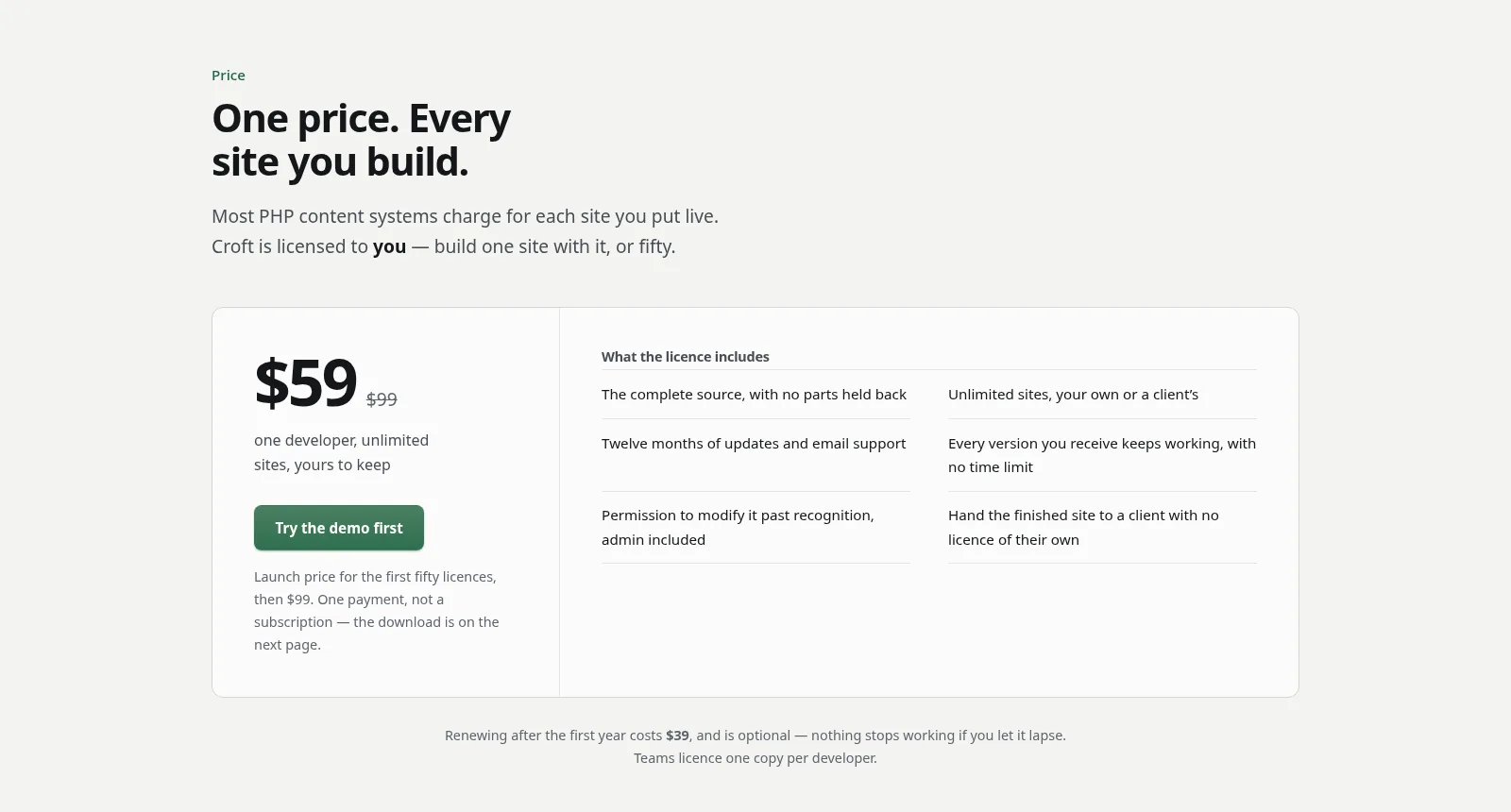
- One licence per developer, every site you build. Use it on as many client sites as you like and hand the source over with the finished site.
See it for yourself. The live demo, the full documentation and launch pricing are at getcroft.dev.
Want something like this for your business?
Tell me what you sell and what the site needs to do. You'll get a fixed quote before any work starts, or an honest no.